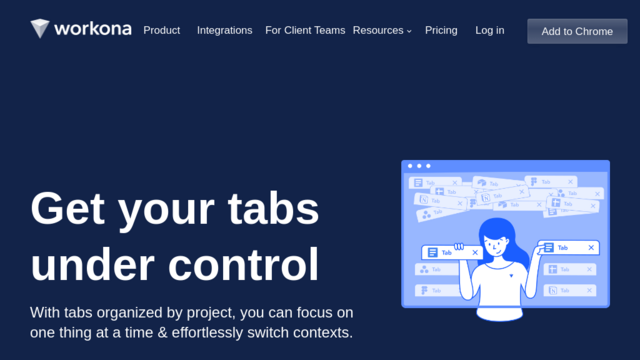
Workona is a powerful tab manager and workspace organizer designed to help individuals and teams streamline their browser workflow. It enables users to create dedicated workspaces for different projects, clients, or topics, consolidating all relevant tabs, documents, and resources in one easily accessible place, thereby reducing digital clutter and enhancing productivity.
Use Cases
Project Management
Organize all tabs, documents, and cloud apps related to a specific project into a single workspace, making it easy to switch contexts and keep focus.
Research & Development
Keep all research papers, articles, websites, and development tools organized by topic or project, allowing for quick retrieval and focused work sessions.
Client Work Management
Create separate workspaces for each client, ensuring all communication, resources, and project tabs are isolated and easily accessible when working on their specific tasks.
Daily Workflow Optimization
Set up workspaces for different daily activities like email management, meetings, content creation, or administrative tasks to maintain a structured and efficient workflow.
Team Collaboration
Share workspaces with team members, allowing everyone to access shared resources, synchronized tabs, and project information, fostering better collaboration and project transparency.
Features & Benefits
Workspaces for Organization
Create dedicated workspaces to group related tabs, documents, and cloud apps, eliminating tab clutter and improving context switching.
Tab Suspension & Management
Automatically suspend unused tabs to free up memory and improve browser performance, while also providing tools to easily find and restore past tabs.
Integrated Resource Management
Save and access important resources like documents, links, and notes directly within your workspaces, ensuring everything you need is at your fingertips.
Cross-Device Sync
Your workspaces, tabs, and resources are seamlessly synced across all your devices, allowing you to pick up exactly where you left off from anywhere.
Collaboration Features
Share workspaces with team members to collaborate on projects in real-time, ensuring everyone has access to the same up-to-date information and resources.
Reduces Tab Clutter
Significantly helps in organizing numerous open tabs, leading to a cleaner and more manageable browser interface.
Enhances Productivity & Focus
By grouping tasks and resources into distinct workspaces, it minimizes distractions and allows users to focus deeply on one context at a time.
Saves System Resources
Features like tab suspension help to reduce memory usage, making the browser run smoother, especially with many tabs open.
Seamless Context Switching
Makes it very easy to switch between different projects or tasks without losing track of relevant tabs and resources.
Cons
Learning Curve
New users might need some time to fully grasp and integrate the workspace concept into their daily workflow.
Browser Dependency
Primarily an in-browser solution, which might not be ideal for workflows heavily reliant on desktop applications.
Subscription Cost
While a free version exists, advanced features and team collaboration often require a paid subscription.