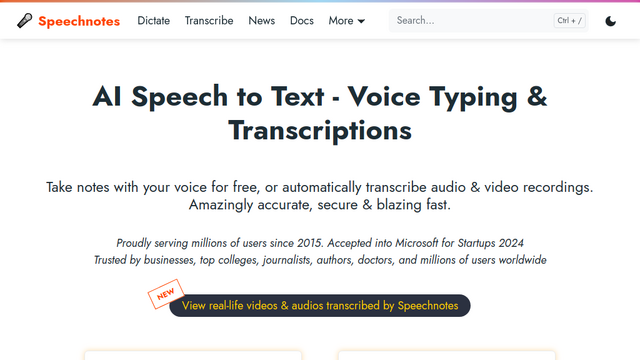
Speechnotes is a powerful, web-based dictation and speech-to-text tool designed to help users transcribe their thoughts, notes, and documents quickly and accurately. It leverages advanced voice recognition technology to provide a seamless hands-free writing experience directly in the browser.
Use Cases
Academic Note-Taking
Students can dictate lectures or study notes in real-time to keep up with fast-paced classroom discussions.
Content Creation
Bloggers and writers can draft articles and scripts by speaking, which helps in overcoming writer’s block and increasing output speed.
Professional Documentation
Busy professionals can dictate emails, reports, and memos while on the go, improving overall workplace productivity.
Accessibility Assistance
Individuals with physical disabilities or repetitive strain injuries can use voice-to-text to interact with their computers more effectively.
Language Practice
Users can practice their pronunciation and fluency by dictating in different languages and observing the accuracy of the transcription.
Features & Benefits
High-Accuracy Dictation
Utilizes Google’s advanced speech recognition engine to ensure precise transcription of spoken words.
Auto-Save Functionality
Automatically saves your work to the browser’s local storage to prevent data loss during unexpected interruptions.
Punctuation Commands
Supports voice commands for punctuation and formatting, allowing for a natural flow without manual keyboard input.
Multi-Language Support
Offers support for a wide array of languages and dialects, making it a versatile tool for global users.
Export Options
Allows users to easily export their transcribed text to Google Drive, email, or download it as a file for further editing.
No Installation Required
Runs directly in the web browser without the need for complex software downloads or setups.
User-Friendly Interface
Features a clean, minimalist design that focuses on the dictation experience without unnecessary distractions.
Cons
Internet Dependency
Requires a stable internet connection to function as it relies on cloud-based speech recognition servers.
Browser Limitations
Performance and feature availability can vary depending on the web browser being used, with Chrome offering the best compatibility.