Beekeeper | Open Source SQL Editor and Database Manager
Beekeeper Studio
Introduction
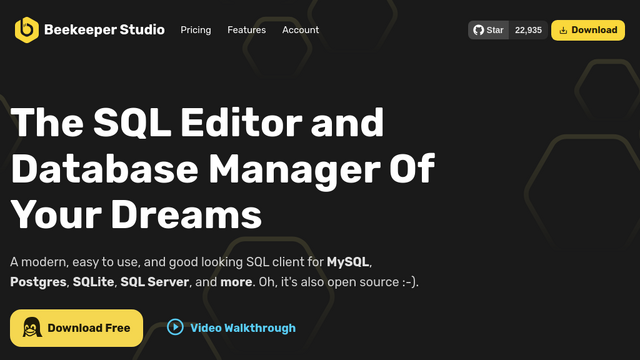
Beekeeper Studio is a modern, cross-platform SQL editor and database management tool designed to be simple, efficient, and visually appealing. It supports a wide range of databases including MySQL, PostgreSQL, SQLite, and SQL Server, and is available in both an open-source Community Edition and a feature-rich Ultimate Edition.
Use Cases
Multi-Database Management
Manage various database types like MySQL, Postgres, and SQLite from a single, unified interface.
Secure Remote Querying
Access remote production databases safely using built-in SSH tunneling for encrypted connections.
Data Migration and Export
Export table data or query results to CSV, JSON, or Excel for reporting and external analysis.
Schema Design and Editing
Visually create, edit, and delete tables and columns without writing complex DDL statements.
Collaboration and Organization
Save and organize frequently used SQL queries to share across different projects or sessions.
Features & Benefits
Intelligent SQL Autocomplete
Accelerate coding with smart suggestions for tables, columns, and SQL syntax as you type.
Tabbed Interface
Multitask efficiently by opening multiple query windows and table views in separate tabs.
Connection Management
Securely store and organize database credentials with support for SSL and SSH tunnels.
SQL Formatter
Automatically clean up and format messy SQL code with a single click for better readability.
Data Filtering and Sorting
Quickly find specific records using a visual filter builder instead of manual WHERE clauses.