ComfyUI | The most powerful and modular AI engine for content creation
ComfyUI
Introduction
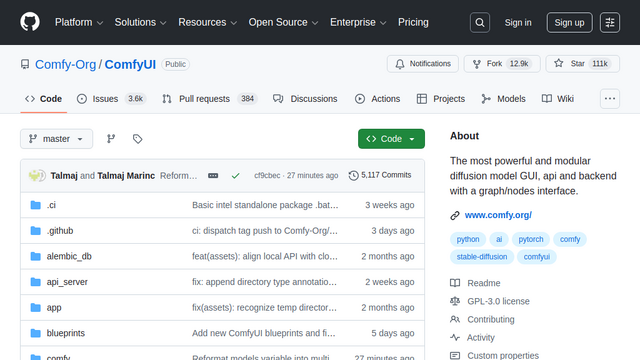
ComfyUI is an advanced, node-based graphical user interface (GUI) designed for Stable Diffusion. It allows users to construct complex image generation pipelines by connecting different functional blocks (nodes) together, providing granular control over the entire diffusion process. It is highly optimized, modular, and serves as both a standalone tool and a backend for other applications.
Use Cases
Creative Image Generation
Designing high-quality visuals using Stable Diffusion models with precise control over every step of the process.
Animation and Video Synthesis
Leveraging temporal nodes like AnimateDiff or SVD to create smooth video content from text or image prompts.
Workflow Automation
Creating repeatable graph templates for batch processing large volumes of images with consistent styles and parameters.
Image-to-Image Refinement
Utilizing advanced upscaling, inpainting, and outpainting techniques to enhance or modify existing images.
Model Testing and Prototyping
Quickly swapping components like LoRAs, ControlNets, and VAEs to test their specific impacts on the final output.
Features & Benefits
Node-Based Interface
A visual graph approach that makes complex generation logic intuitive and fully customizable.
Advanced Caching System
Only re-executes parts of the workflow that have changed, significantly speeding up iterative design.
Extensive Model Support
Fully supports SD1.x, SD2.x, SDXL, Stable Video Diffusion, and various community-developed architectures.
Custom Node Ecosystem
A massive library of community-made nodes that add functionality for everything from noise injection to Photoshop integration.
Low VRAM Footprint
Designed to be highly efficient, allowing users to run complex models on consumer-grade hardware.