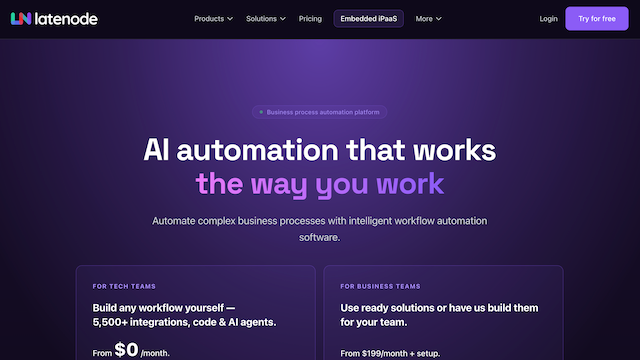
Latenode is a next-generation low-code platform designed for building complex automation workflows. It bridges the gap between simple visual automation tools and professional development environments, offering a visual canvas alongside full JavaScript support to allow businesses to scale their operations with high flexibility and lower costs.
Use Cases
E-commerce Automation
Automating order fulfillment processes and inventory updates across multiple online stores like Shopify and Amazon.
AI-Driven Workflows
Integrating LLMs like GPT-4 into business processes for automated customer support responses and content generation.
Customer Data Synchronization
Keeping user records consistent across CRM systems like HubSpot, marketing tools like Mailchimp, and internal databases.
Custom Webhook Handling
Building custom endpoints to process and route data from third-party services to internal applications.
Finance and Reporting
Automatically generating monthly reports by pulling data from payment processors like Stripe and formatting it in Google Sheets.
Features & Benefits
Visual Workflow Builder
An intuitive drag-and-drop interface that allows users to map out logic and data flow visually.
JavaScript Code Blocks
The ability to insert custom code within any workflow to perform complex transformations or unique API calls.
Extensive App Library
Native integrations with hundreds of popular services including Slack, Airtable, and GitHub for seamless connectivity.
Scalable Cloud Execution
High-performance backend capable of executing thousands of tasks simultaneously with enterprise-grade reliability.
Real-time Debugging
Built-in tools to monitor workflow execution and troubleshoot errors instantly within the editor.