WorkTrace AI | Automatically capture and analyze your digital work
WorkTrace AI
Introduction
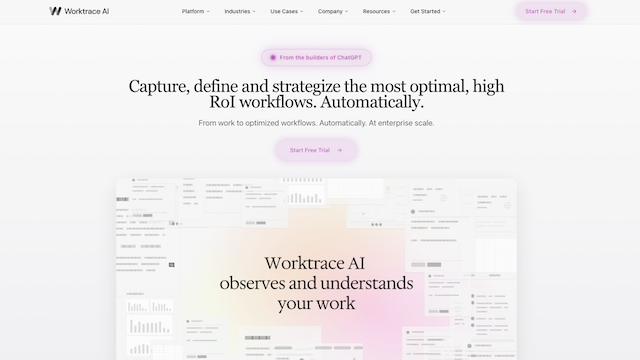
WorkTrace AI is an advanced AI-powered work analytics platform designed to automate time tracking and provide deep insights into team productivity. By passively capturing digital activities across applications and websites, it eliminates the friction of manual timesheets, allowing organizations to visualize workflows, optimize resource allocation, and identify burnout risks without intruding on employee privacy.
Use Cases
Automated Billing and Invoicing
Automatically capture time spent on client-specific software to ensure precise billing without manual logs.
Capacity Planning
Analyze historical activity data to better predict team availability and distribute project workloads effectively.
Remote Team Management
Gain visibility into the work patterns of distributed teams to maintain transparency and alignment on goals.
Process Improvement
Identify software bottlenecks or redundant tasks that consume significant team time to streamline operations.
Burnout Prevention
Monitor for irregular work hours or excessive overtime to proactively manage employee wellness and retention.
Features & Benefits
Passive Activity Capture
Runs silently in the background to record application usage and active time without user intervention.
Smart AI Categorization
Intelligently groups activities into custom categories like focus work, communication, or administrative tasks.
Productivity Dashboards
Visualizes team-wide and individual performance metrics through interactive charts and daily summaries.
Granular Privacy Controls
Offers robust exclusion lists and private modes to ensure personal data and sensitive apps are never tracked.
Custom Integration API
Connects seamlessly with existing HRIS and project management tools to sync productivity data across the stack.