tl;dv | AI Meeting Recorder for Zoom, Google Meet & Teams
tl;dv
Introduction
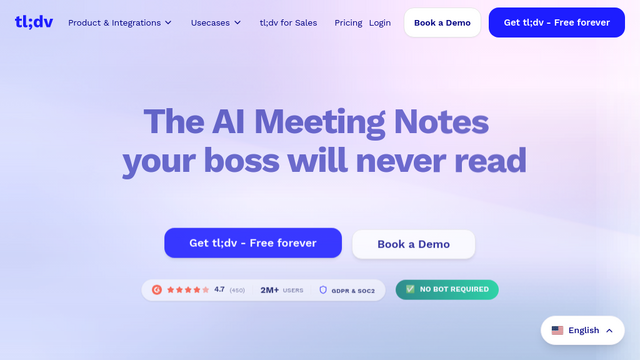
tl;dv is an AI-powered meeting assistant designed to record, transcribe, and summarize meetings across Google Meet, Zoom, and Microsoft Teams. It focuses on enhancing asynchronous collaboration by allowing users to tag key moments, create clips, and search through meeting transcripts, ensuring that important insights are never lost and team members can catch up quickly without watching full recordings.
Use Cases
Sales & Success Calls
Capture customer feedback and pain points during discovery calls to share directly with product teams.
User Research
Highlight specific user insights and create highlight reels for stakeholder presentations.
Internal Syncs
Provide summaries for team members who were unable to attend the meeting, keeping everyone aligned.
Recruitment Interviews
Record and share candidate interviews with hiring managers for more objective decision-making.
Product Demos
Create short, shareable clips of specific features or bug reports to streamline development cycles.
Features & Benefits
AI Meeting Summaries
Automatically generates concise summaries and identifies action items using advanced AI.
Global Transcription
Supports high-quality transcription in over 30 languages to accommodate international teams.
Searchable Repository
All meeting transcripts are indexed, allowing users to find specific keywords across all past recordings.
Clip & Highlight
Enables users to cut specific segments of a meeting video to share as bite-sized insights.
Third-Party Integrations
Syncs meeting notes and clips directly to tools like Slack, HubSpot, Salesforce, and Notion.