OpenNote | Write, learn, and connect ideas – all in one place
OpenNote
Introduction
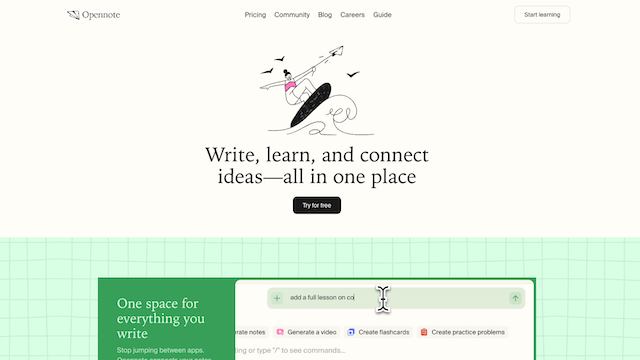
Opennote is an AI-powered note-taking and knowledge management platform designed primarily for students, researchers, and creators. It centralizes notes, files, and ideas into a single workspace featuring an embedded AI tutor named ‘Feynman.’ The platform aims to move beyond simple data storage by using multimodal AI to turn static notes into interactive videos, flashcards, and diagrams, fostering a deeper understanding of complex material through Socratic questioning and real-time collaboration.
Use Cases
Meeting Notes
Automatically structure meeting notes, summaries, and follow-ups.
Personal Knowledge Management
Organize thoughts, research, and ideas into a connected knowledge system.
Team Documentation
Create shared notes and internal knowledge bases that stay easy to navigate.
Research & Learning
Collect and link learning materials, references, and insights in one place.
Project Planning
Keep project notes, decisions, and context connected over time.
Features & Benefits
AI-Powered Note Organization
Automatically categorizes and links notes based on meaning and context.
Smart Search
Find information quickly using semantic search instead of keywords.
Connected Notes
Build a knowledge graph where ideas and documents reference each other.
Clean Writing Experience
Minimal, distraction-free interface focused on thinking and writing.
Team Collaboration
Share notes and knowledge seamlessly across teams.