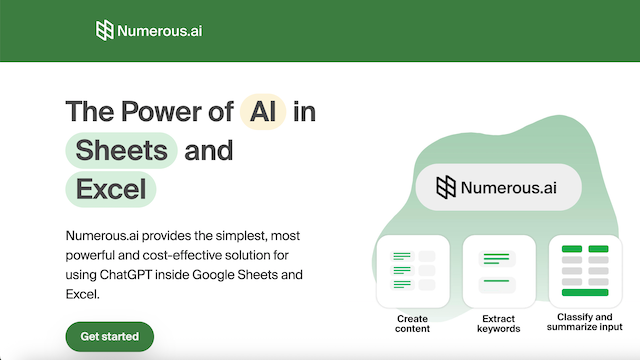
Numerous.ai is an advanced AI-powered add-in for Google Sheets and Microsoft Excel that integrates the capabilities of ChatGPT directly into spreadsheet workflows. It allows users to automate repetitive tasks, generate content, extract data, and create complex formulas using natural language commands, effectively turning a standard spreadsheet into a powerful AI-driven data processing hub.
Use Cases
Data Cleaning and Normalization
Automatically reformat messy datasets, such as standardizing phone numbers, capitalising names, or correcting date formats across thousands of rows.
Bulk Content Generation
Generate hundreds of SEO-friendly product descriptions, personalized marketing emails, or social media posts based on specific data points within each row.
Sentiment Analysis and Classification
Analyze customer feedback or support tickets directly in the spreadsheet to categorize them as positive, negative, or neutral.
Information Extraction
Extract specific entities like company names, email addresses, or specific product attributes from unstructured blocks of text or web scrapes.
Formula Assistance
Transform plain English descriptions into functional Google Sheets or Excel formulas, or ask the AI to explain what an existing complex formula does.
Features & Benefits
=AI() Function
A flexible function that allows users to give the AI any task, such as summarizing text or categorizing data, using a simple cell reference and prompt.
=WRITE() Function
A specialized function designed for creative writing tasks, helping users draft messaging and copy that dynamically pulls from spreadsheet data.
Formula Bot
A built-in assistant that generates complex spreadsheet formulas from natural language descriptions, eliminating the need to memorize syntax.
Training Mode
A feature that allows users to provide a few examples of a task so the AI can learn the specific pattern and replicate it across the entire dataset.
Cross-Platform Compatibility
Works seamlessly across both Google Sheets and Microsoft Excel (Web and Desktop), ensuring a consistent experience regardless of the platform.