iLoveIMG | The fastest free web app for easy image editing
iLoveIMG
Introduction
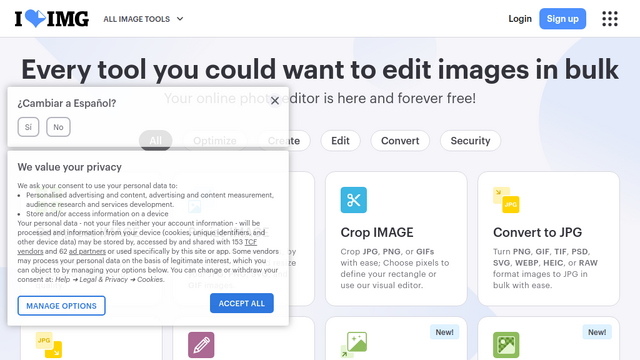
iLoveIMG is a comprehensive web-based platform designed to simplify image editing, compression, and conversion tasks. It provides a suite of user-friendly tools that allow individuals and businesses to perform bulk operations efficiently without the need for complex software installations. Whether you need to resize photos for social media or optimize images for a website, iLoveIMG offers a streamlined solution accessible from any browser.
Use Cases
Social Media Management
Quickly resize and crop images to fit specific platform requirements like Instagram stories or LinkedIn banners.
Web Development & SEO
Compress large image files to reduce page load times and improve search engine rankings.
Digital Asset Protection
Apply custom watermarks to professional photography or proprietary documents to prevent unauthorized usage.
E-commerce Operations
Batch convert product photos into standard JPG formats for consistent listing quality across online marketplaces.
Privacy Protection
Use the photo editor to blur sensitive information or faces before sharing images publicly.
Features & Benefits
Batch Image Compressor
Drastically reduce the file size of dozens of images at once without a significant loss in visual quality.
Universal Image Converter
Seamlessly convert images to and from various formats including JPG, PNG, GIF, TIF, and WebP.
Intuitive Image Resizer
Scale multiple images simultaneously by defining exact pixel dimensions or percentage-based ratios.
HTML to Image Tool
Convert web pages into high-quality JPG or SVG images by simply pasting a URL.
Cloud Integration
Directly access and save files from Google Drive and Dropbox to streamline your workflow.