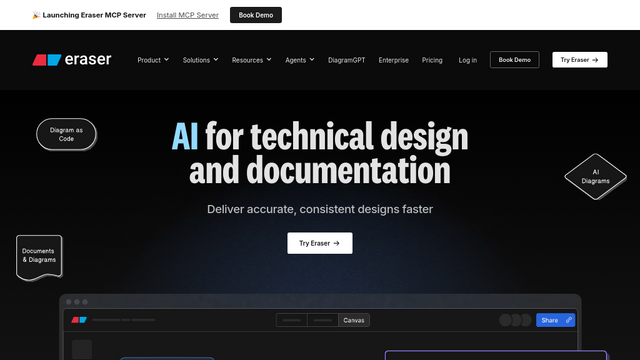
Eraser is a high-performance collaborative workspace designed specifically for engineering teams. It bridges the gap between brainstorming and documentation by combining a professional-grade whiteboard canvas with a markdown-based text editor. This allows developers and system architects to create technical diagrams, design architectures, and write documentation in a single, unified interface that supports both visual and textual workflows.
Use Cases
System Architecture Design
Mapping out complex microservices and cloud infrastructure using specialized engineering toolkits and cloud-provider icons.
Technical Documentation
Building living READMEs and internal docs where diagrams and text are linked and updated simultaneously.
Sprint Planning and Retro
Facilitating agile ceremonies with a digital canvas that supports sticky notes, task tracking, and collaborative voting.
Onboarding and Knowledge Sharing
Visualizing codebase structures and data flows to help new hires understand complex systems quickly.
API and Flow Mapping
Creating sequence diagrams and flowcharts to represent logic between services during the design phase.
Features & Benefits
Diagram-as-Code
Generate professional diagrams using a simple markdown-like syntax, allowing for easy version control and rapid iteration.
Integrated Split-Pane Editor
A dual-view environment that keeps technical documentation and visual diagrams in sync within the same file.
Cloud Infrastructure Libraries
Extensive built-in icon sets for major providers including AWS, Azure, and Google Cloud Platform.
Multiplayer Collaboration
Real-time editing with live cursors, comments, and high-performance rendering for distributed engineering teams.
Smart Templates
A library of pre-configured templates for entity-relationship diagrams, flowcharts, and architectural blueprints.