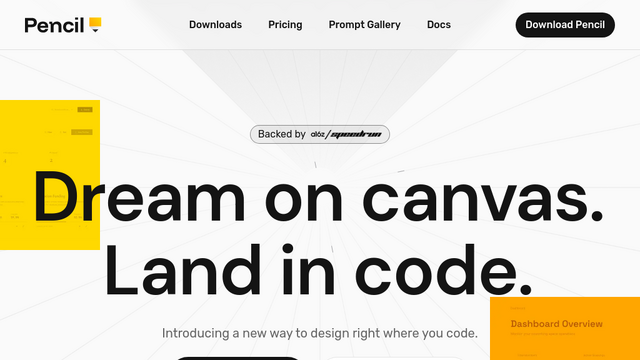
Pencil is an agent-driven, MCP-powered design canvas that lives directly within your IDE (VS Code, Cursor, Claude Code). It is designed to bridge the gap between design and development by treating UI layouts as code assets. By providing an infinite, vector-based canvas inside the code editor, it allows developers and AI agents to design interfaces visually while simultaneously generating production-ready code (HTML, CSS, React) that remains synced with the design.
Use Cases
Design-in-Code Workflow
Build UI layouts and screens visually without switching contexts between a standalone design tool (like Figma) and your IDE.
AI-Assisted Interface Generation
Use natural language prompts to have AI agents generate complete screens or complex components directly on the canvas, which the AI can then map to production-ready React/HTML code.
Figma to Code Pipeline
Import existing designs from Figma via copy-paste, preserving layers, spacing, and styles to maintain pixel-perfect fidelity in the final codebase.
Collaborative AI Design
Use ‘AI Multiplayer’ to have multiple agents generate different variations of a design in parallel, allowing for rapid exploration and comparison of ideas within the same repository.
Design-as-Code Versioning
Manage design files (`.pen` format) directly in your git repository, enabling designers and developers to branch, merge, and track changes to UI assets just like standard source code.
Features & Benefits
IDE-Native Infinite Canvas
A pixel-perfect design workspace embedded in your code editor that keeps design and implementation a tab-click apart.
MCP (Model Context Protocol) Integration
Exposes your design canvas to external AI agents (like Claude Code), allowing them to read, modify, and generate code based on the visual structure of your canvas.
Open-Source Design Format
Uses the proprietary, open-source `.pen` file format, ensuring that your design files are human-readable, debuggable, and not locked into a closed ecosystem.
Multi-Agent Parallelization
Supports collaborative AI workflows where various agents can work on different sections of a layout simultaneously.
Production-Ready Output
Outputs clean, semantic HTML, CSS, and React code that aligns directly with the visual layers defined on the canvas.
Eliminates Handoff Friction
Removes the ‘design handoff’ bottleneck, as designers and developers can work within the same repository, reducing translation errors.
Version-Controlled Design
Since design files are part of the codebase, teams can track UI changes through Git, making it easier to rollback or experiment with designs.
Developer-First Design
Provides an environment that respects existing developer habits by integrating with standard IDEs rather than requiring a standalone software ecosystem.
Cons
New Tooling Workflow
Requires a shift in mindset from traditional ‘Design-then-Code’ flows to a more integrated, ‘Design-as-Code’ workflow.
Visual Feature Gap
While excellent for component and layout generation, it may lack the advanced, high-fidelity prototyping features found in dedicated design tools like Figma.